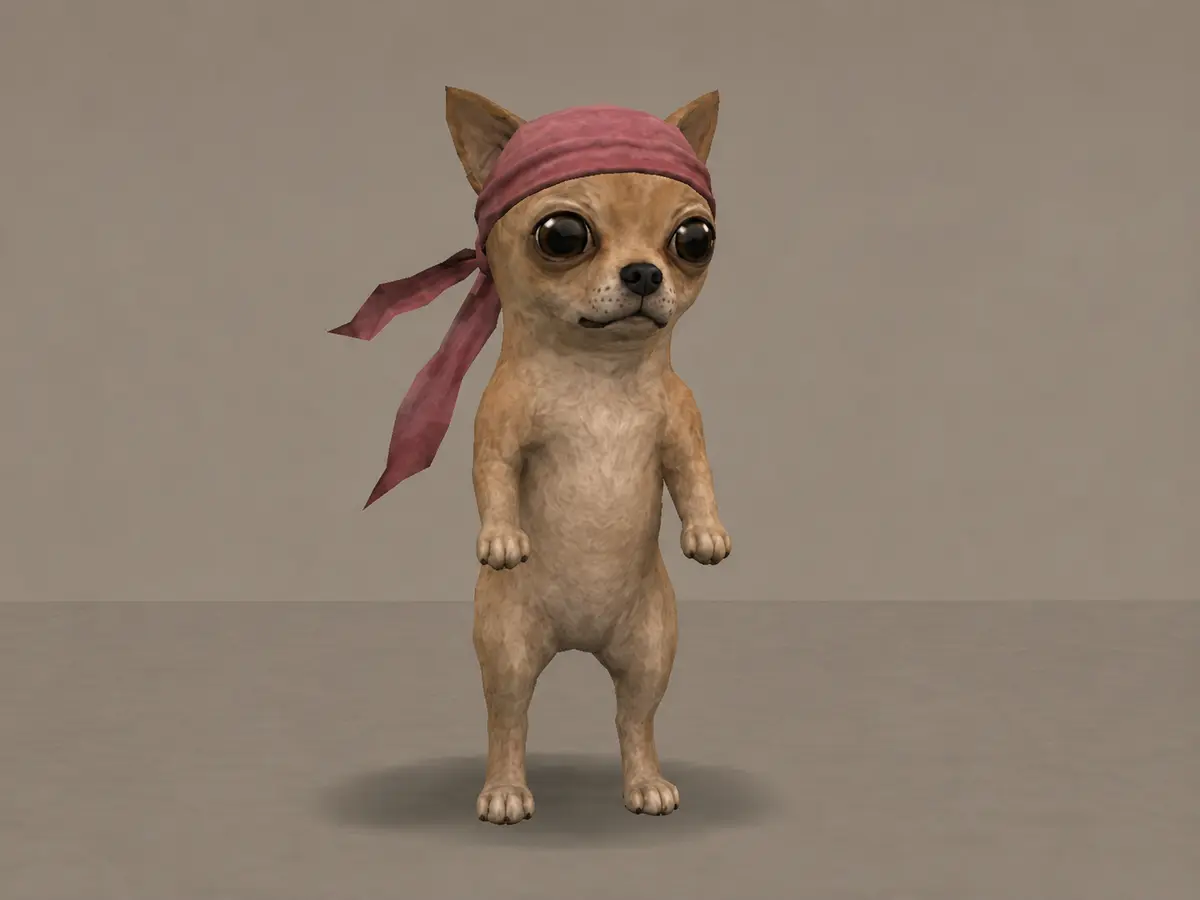
FREE CHATGPT SKILL
CHIHUAHUA COMMUNITY ENGINE
Create and repair media featuring Nosimaj Media's pink-durag Chihuahua across game-era scenes, memes, cinematics, and episodes.
Free ChatGPT Skills for your community characters. Choose an Engine, download its ZIP, and make your own.
Use your engines with Nosimaj Studio →
Creating original worlds? Explore the Lost Game Engine · $59 →
Install one ZIP in ChatGPT. Describe a scene naturally. The Engine guides the workflow.
Create and repair media featuring Nosimaj Media's pink-durag Chihuahua across game-era scenes, memes, cinematics, and episodes.
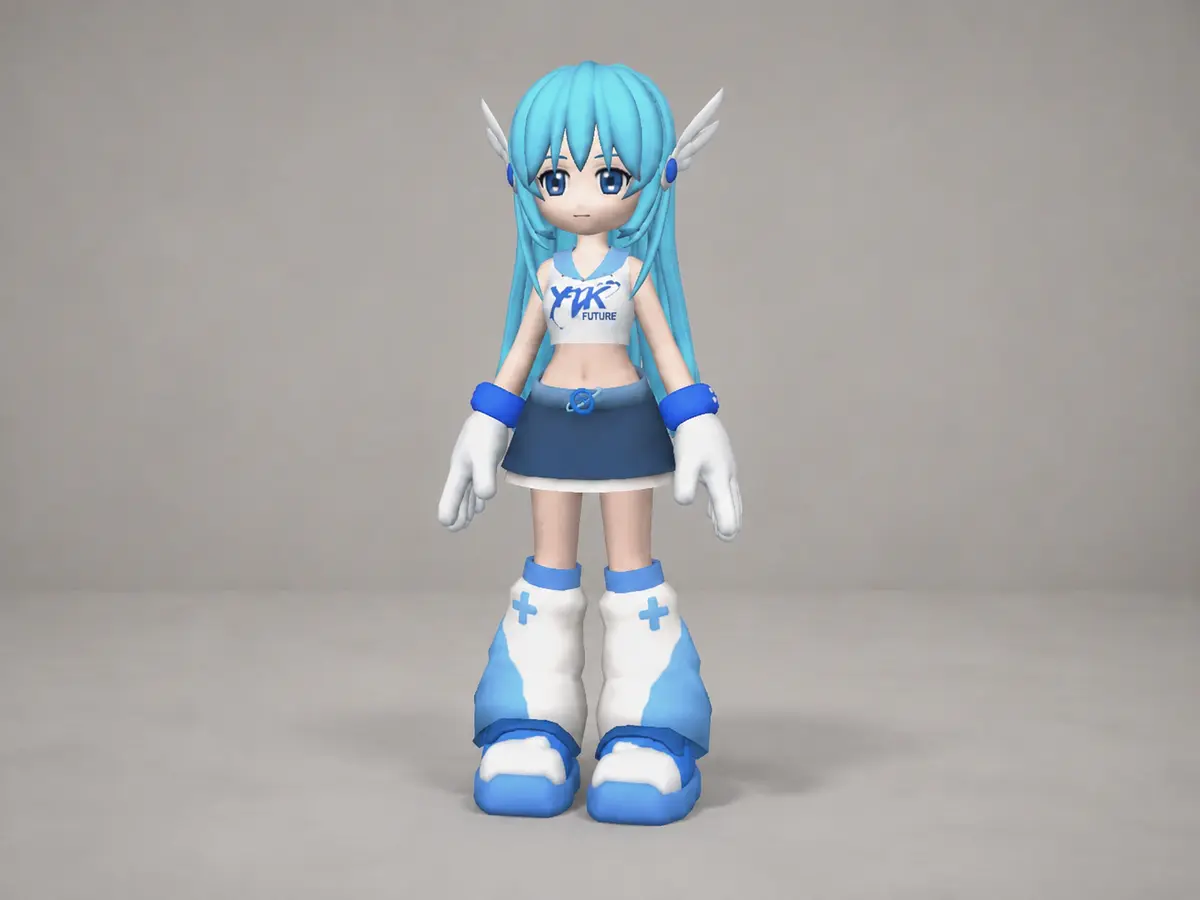
Create canon-consistent Yuki / YUKI.EXE images, memes, Y2K-era cinematics, and progressive episodes.
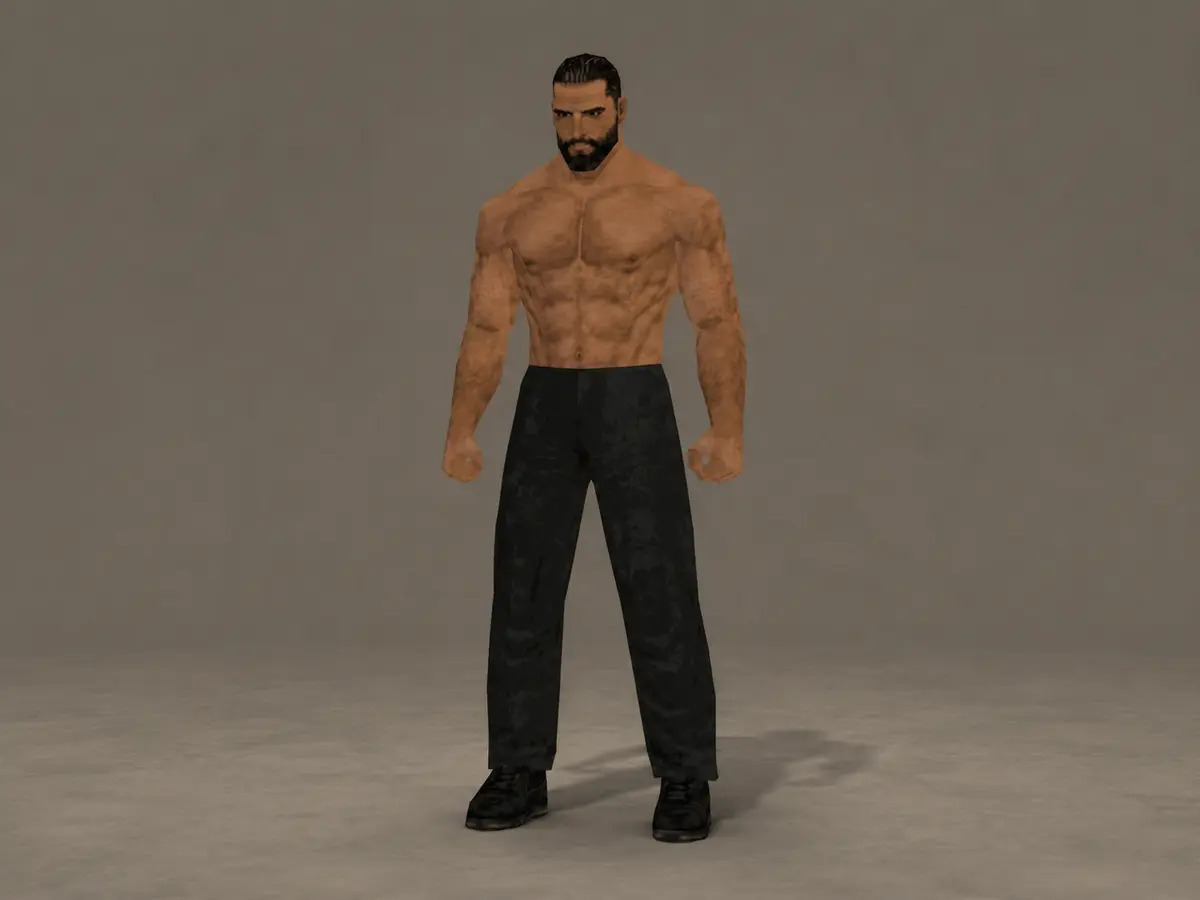
Create recognizable Gigachad memes, training media, game-world scenes, cinematics, commercials, and episodes.
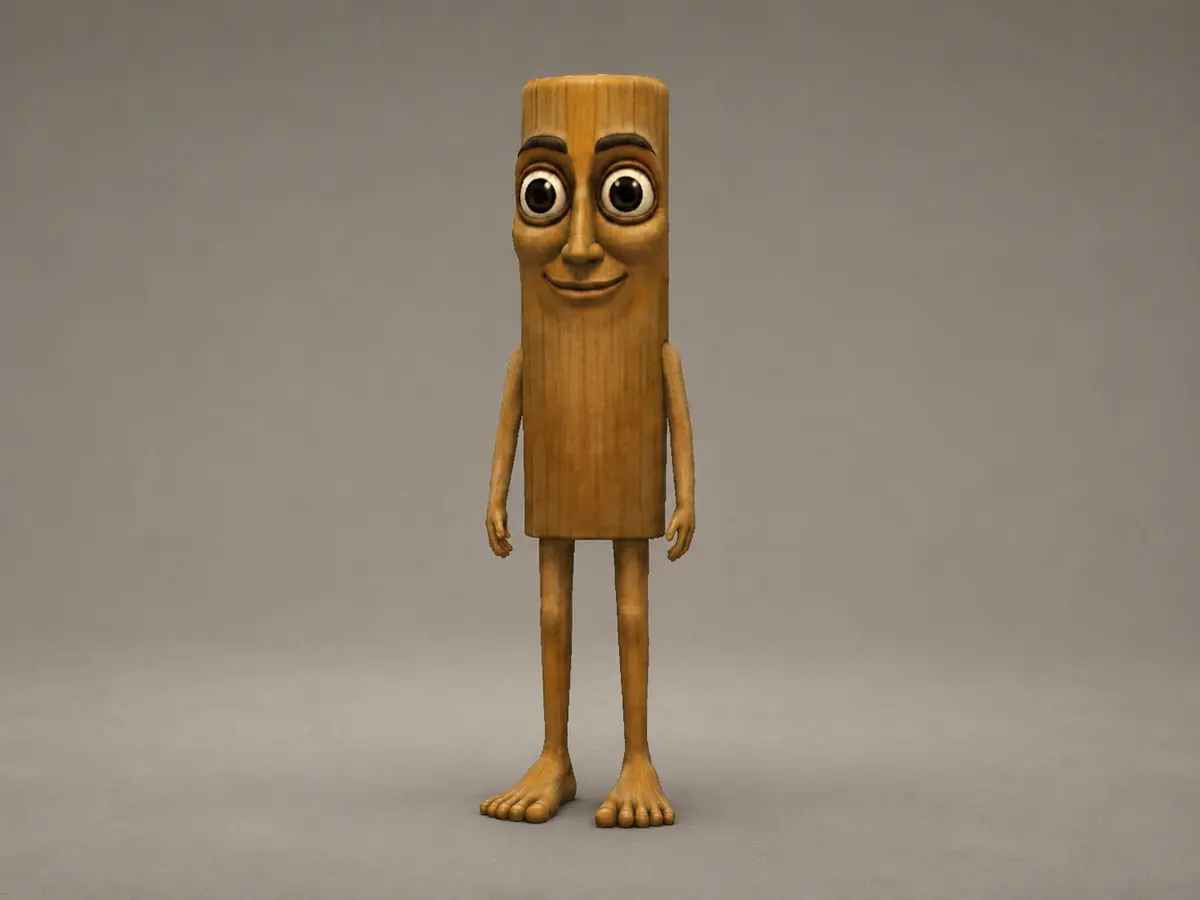
Create recognizable PS2-style TripleT / Tung Tung Tung Sahur images, short cinematics, game-world scenes, bumpers, and fictional ads.
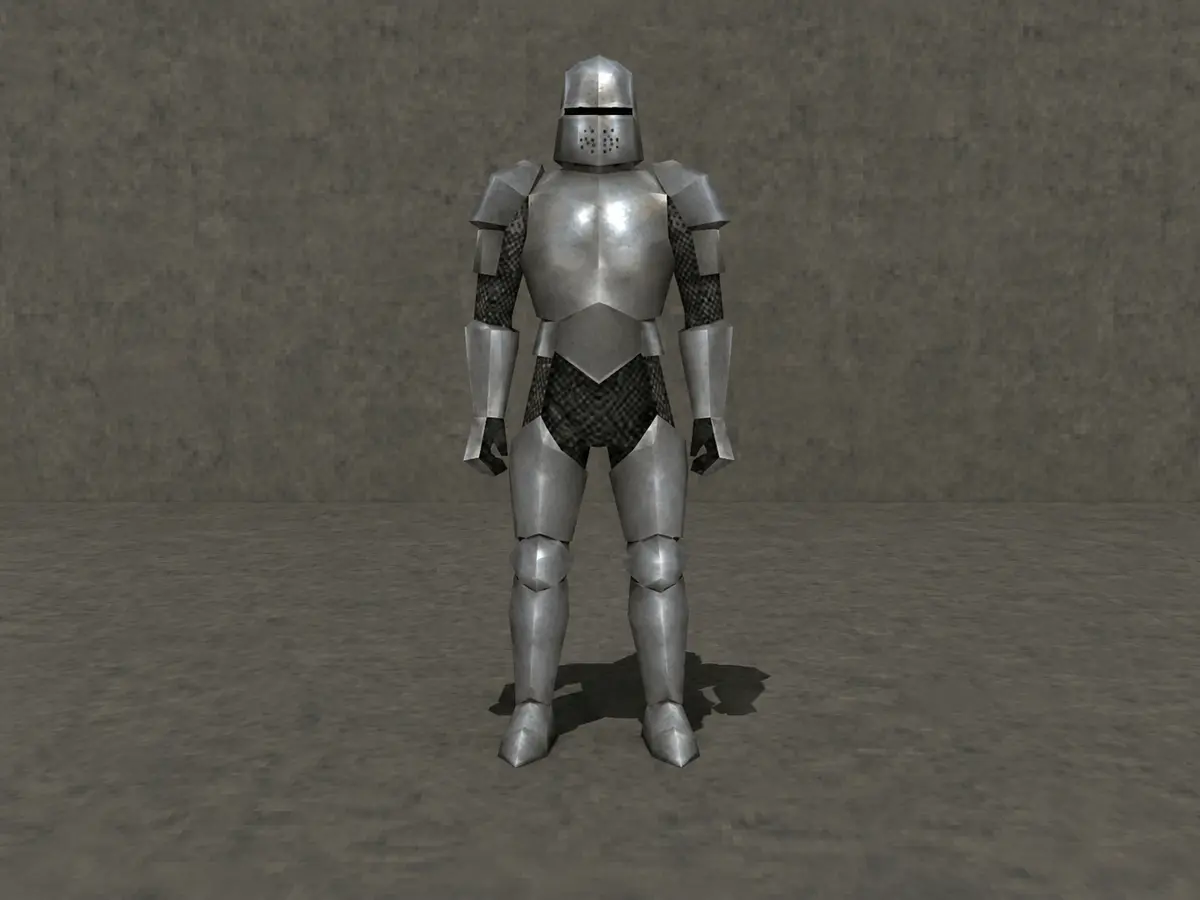
Create Knightcore-coded PS2 images, memes, luminous medieval scenes, cinematics, interstitials, commercials, and episodes.
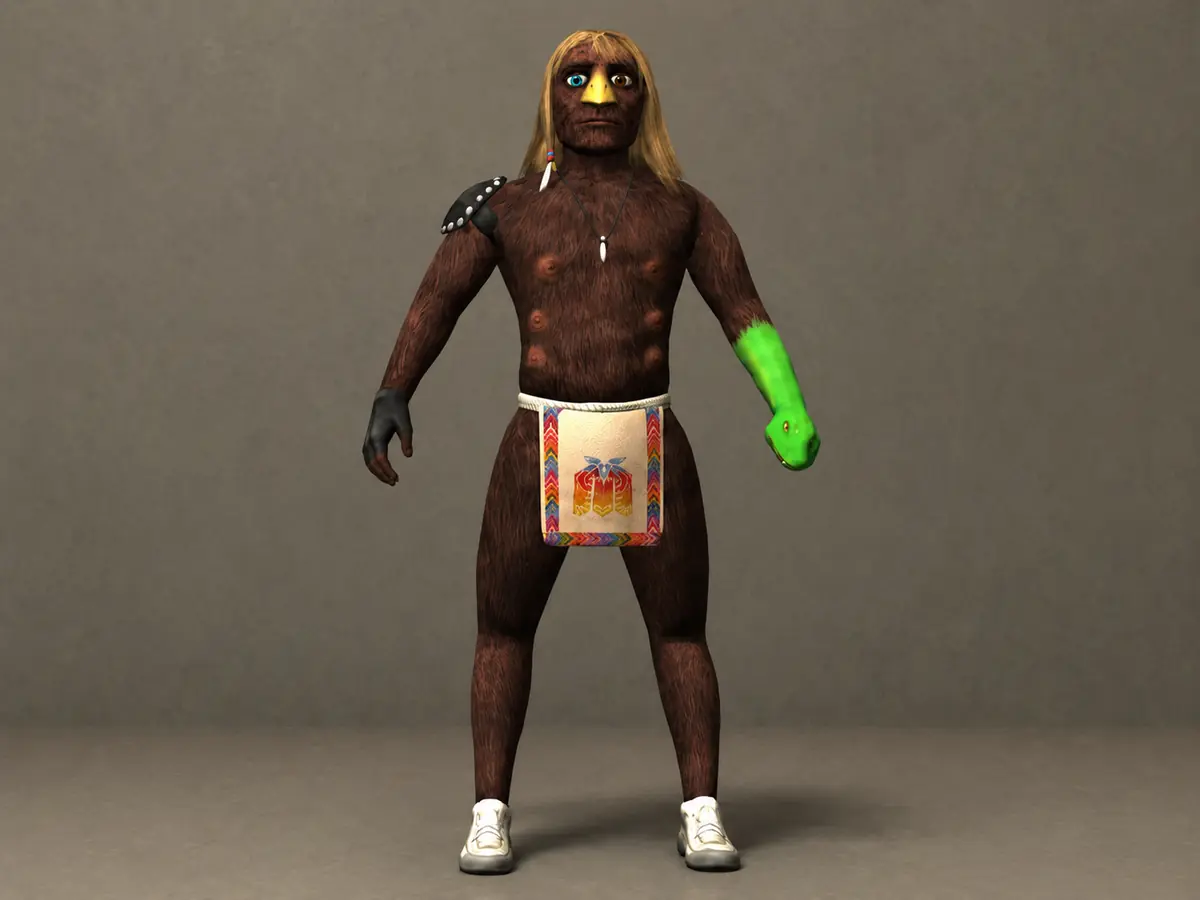
Create recognizable unofficial Xavier fan images, memes, surreal PS2-style scenes, cinematics, fictional ads, and episodes.
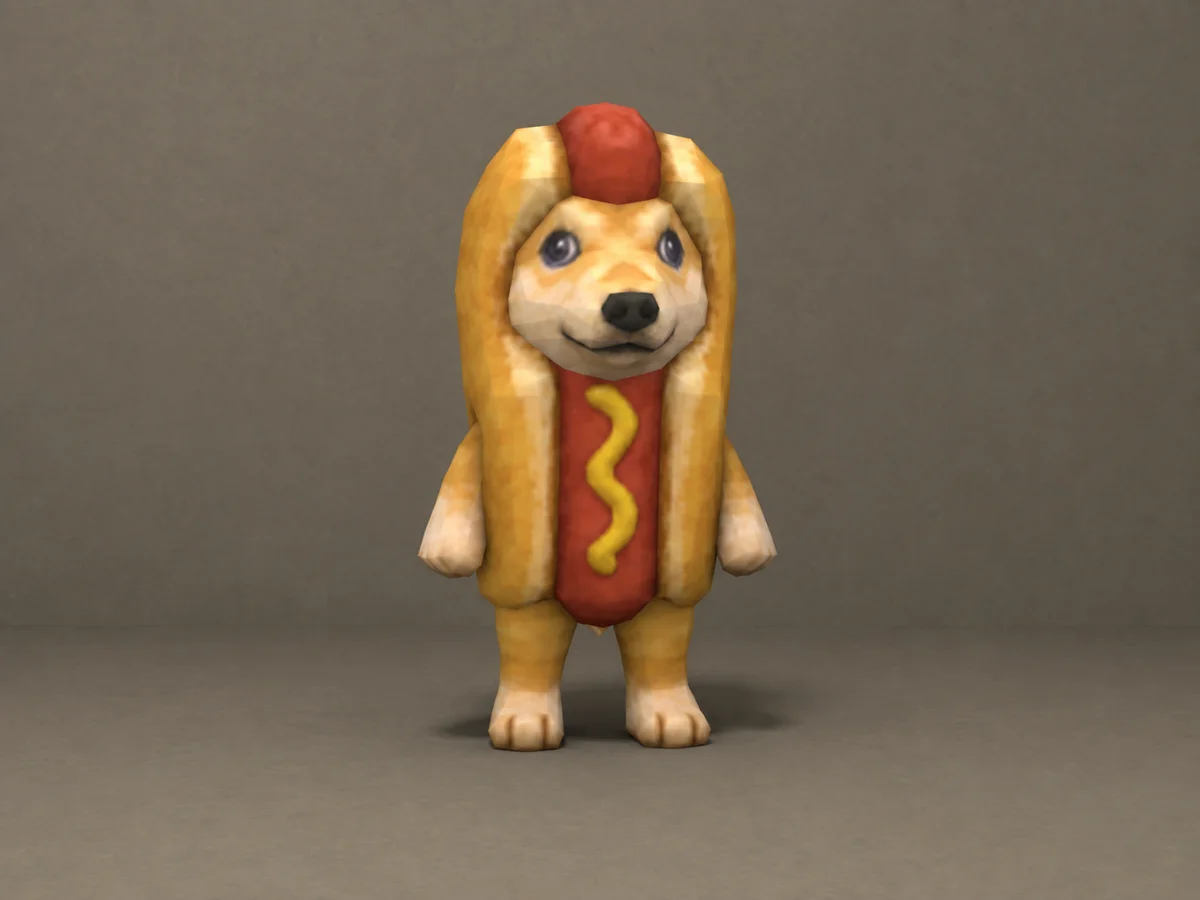
Create PS2-style Hotdog images, short scenes, character loops, and fictional ads. Character reference included; video tools and credits are separate.
After installing, ask: Load the "Hotdog" skill. Then describe your idea.
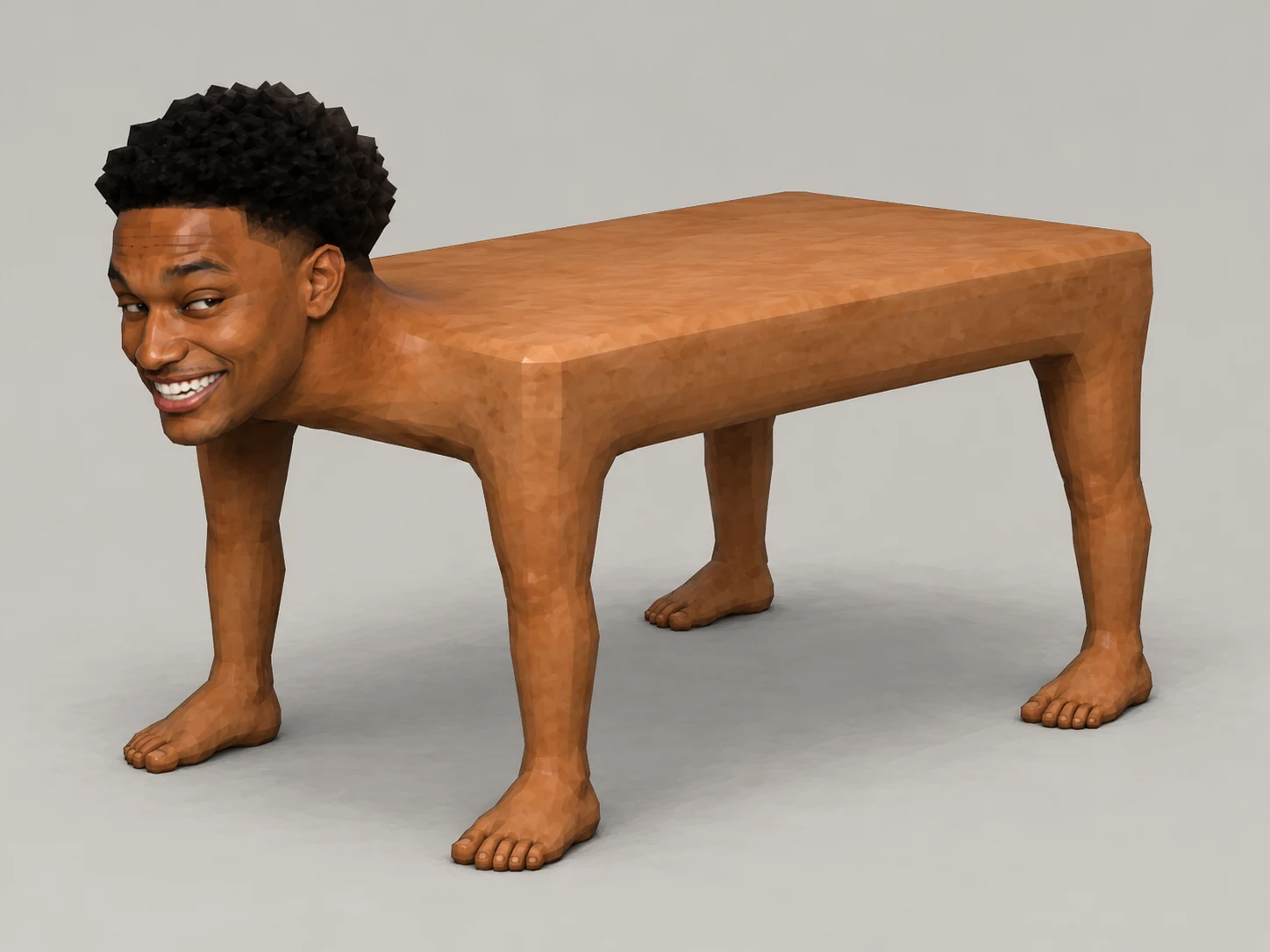
Make Mensa images, memes, and short scenes in PS2 or Late-Z anime style. Both character reference sheets are included. Just describe your idea.
Describe your idea, copy one prompt, and let your preferred AI assistant guide you to the right Community Engine.
Plugins → Skills → Create → Upload from your computer.Take your approved images and animation prompt into Higgsfield, one of the platforms I use for Nosimaj pieces. Video generation requires a separate account and credits.
Higgsfield provides my plan and credits. I may earn a commission if you purchase through this link.
An optional next step for what you make.
Use a Community Engine to make memes, images, or short videos for a Web3 community. SHILLZ is one place to find campaign briefs and submit eligible posts.
A matching campaign may not be available for every Engine. Check content rights and campaign terms; acceptance and rewards are not guaranteed.
Build deeper original cinematics with continuity control, diagnosis and repair, model adaptation, hardware-aware fidelity, and multi-shot production workflows.