
Make a scene.
Build a lost world.
Plan scenes from games that never existed. Pick the look. Guide each shot. Keep it yours.
One idea.
Four clear steps.
You choose the look. You approve each step.
Describe it
Tell Studio who is there and what happens.
Choose the look
Use real game screenshots and your own pictures as guides.
Pick the first image
Make or bring an image. Fix it until it looks right.
Plan each shot
Review the shots. Take the prompts to an image or video tool.
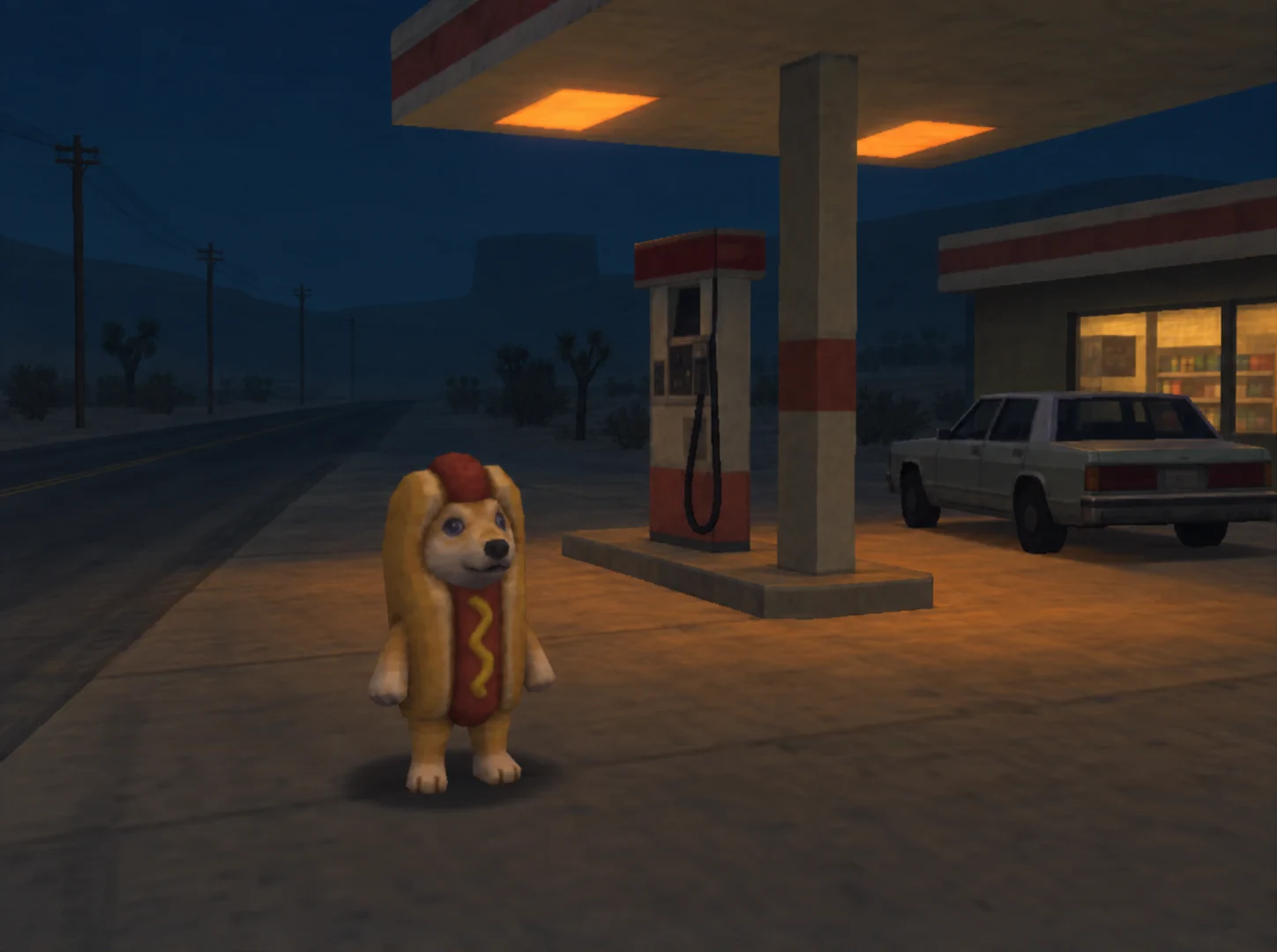
About this example
The Hotdog image comes from an earlier Studio test with Codex and ChatGPT. It was approved after one revision. A thin line at the bottom was cropped. It is cleaner than a real PS2 capture and is not a game screenshot.
Hotdog and its reference pictures are separate from Core. This image is not a test of the current release.
What you need.
Claude Code and your own Claude access. Start with a plan and prompts. Add image or video tools later; they may cost extra.
No Codex or image account is needed to plan a scene.
Your next scene
starts here.
Studio 0.2.0-alpha.1 · Public alpha. Try it now. Windows install and live media-tool tests are still pending.
No email or purchase is needed to get Core. Get optional release news.
A few useful answers.
What is Core?
Lost Game Core helps you plan PS1-, PS2- and Dreamcast-style scenes. It guides the look, first image, shots and fixes. You can change the rules to suit your work.
The Apache-2.0 license covers the original Core files listed in the release. Read the release license and notices. It does not grant rights to other people's characters, screenshots or brands.
What will it cost?
Core is free. No Nosimaj membership is needed. Your Claude access is separate. Image and video tools may charge for use. Studio must show the cost and ask before each paid job.
Character packs, guides and help may be sold separately. The standalone ChatGPT Skill keeps its own purchase terms. You can also hire Nosimaj to build a world.
Can I choose my media tools?
Yes. Use Higgsfield, fal.ai or your chosen media tools. Connect your API account or use an available plugin. Make images, video, audio and more. Use any feature your connection supports. You can also bring your own images or use Codex with ChatGPT for stills.
A failed tool must not switch to a paid one on its own. Read tool and cost details.
Get release news.
Optional updates about new Studio releases.