
Keep the scene connected
Guide each shot with approved frames and targeted repairs.
Lost Game Cinematic Engine
Turn your scene idea into stills, storyboards, and animation prompts.
Your download: ChatGPT Skill + workflows + written guides.
USD · One-time purchase, plus tax.
Requires ChatGPT with Skills and image generation, plus an external video tool. Usage limits and separate service costs apply. Requirements.
Try the Free Starter01 / Your creative toolkit
An installable ChatGPT Skill, four workflows, and written guides.
Guide each shot with approved frames and targeted repairs.
Short cinematics, connected episodes, loops, and fictional ads.
Written setup, first-project, style-reference, and troubleshooting guides.
ChatGPT subscriptions and external video-generation costs aren’t included with the Engine.
Includes v4 maintenance updates. Update details
Setup, support & terms02 / What you can make
Build a short scene from first frame to animation handoff.
Giga Blade · 15 sec · Engine workflowView the matching storyboardCreate a loop, station ID, or quiet moment in your world.
Grandmaster · 6 sec · Silent loopMake an ad for something that only exists in your game.
Crown & Velvet · 19 sec · Engine workflowExtend the Classic workflow across three, four, or more connected storyboards.
One continuing story · Multiple cinematic sequences03 / How it works
A deal goes wrong when the payment turns out to be arcade tokens. The buyer makes a very slow getaway on a mobility scooter.
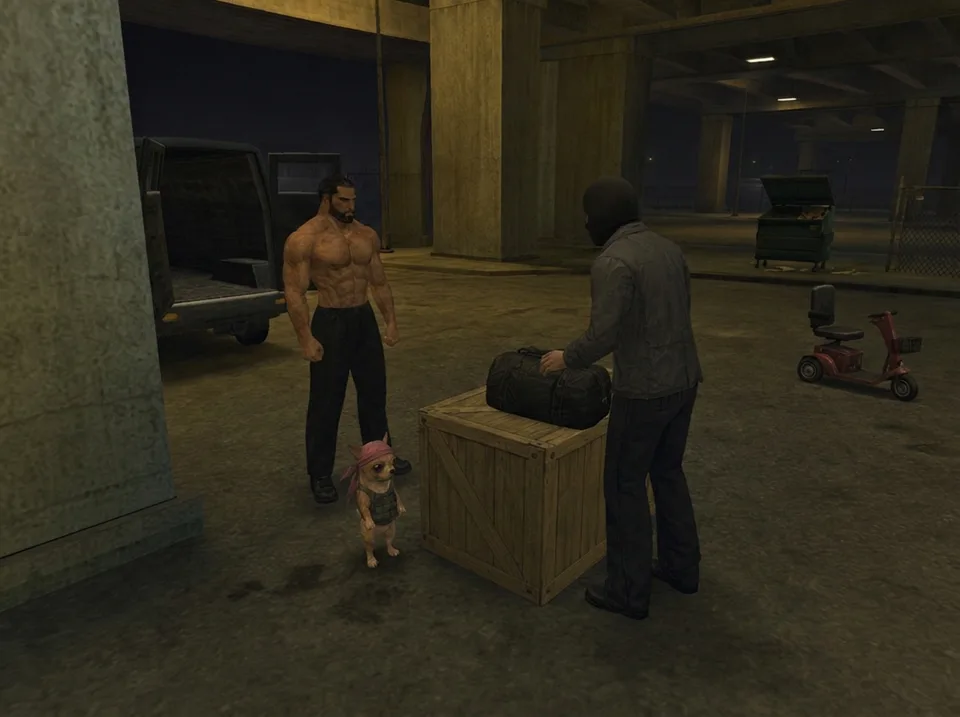
Review the character, setting, and look with guidance from the Engine.
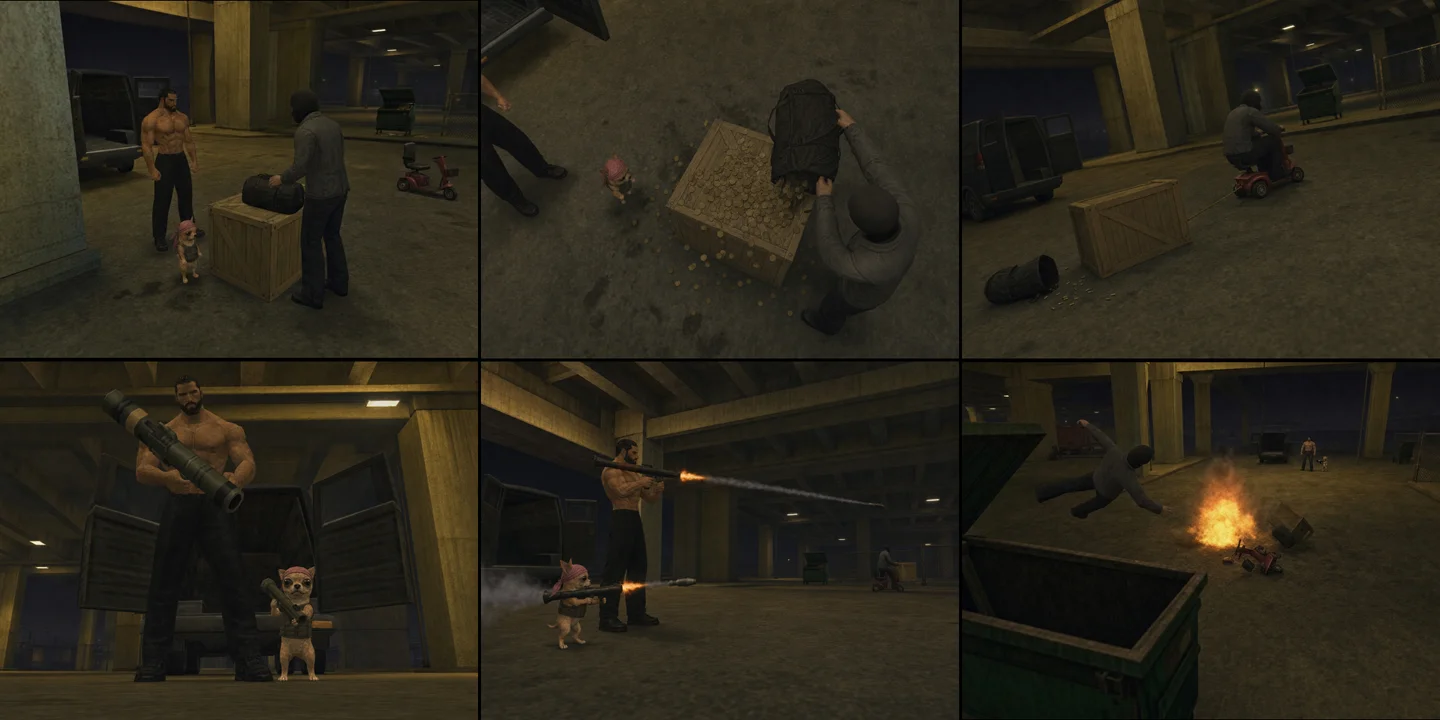
Approve the planned shots or ask the Engine for a specific repair.
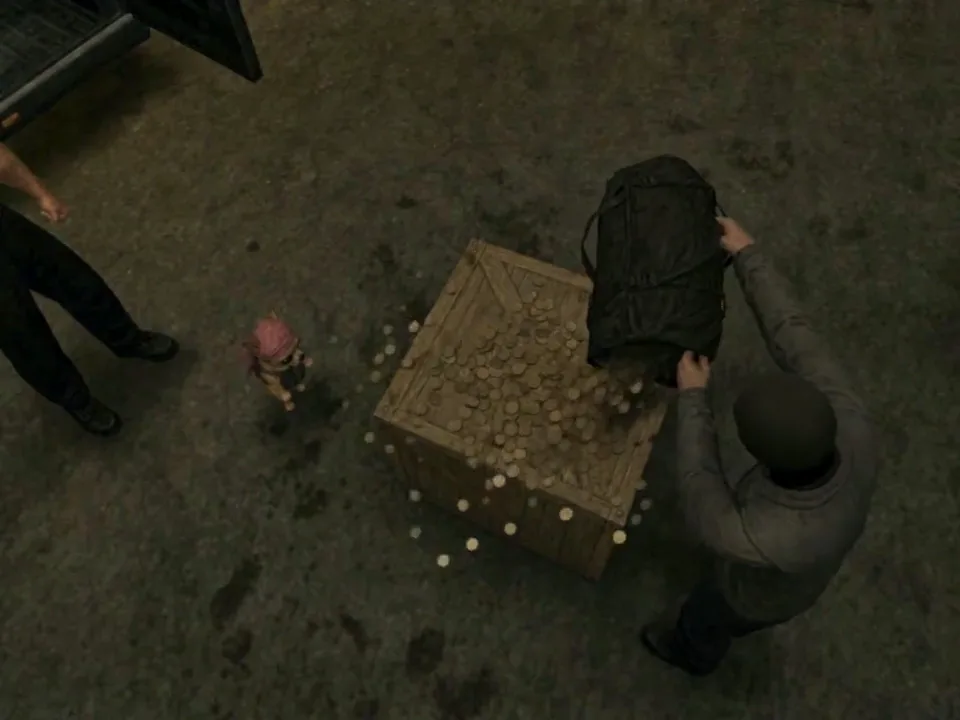
Take your approved visuals and Engine-written prompt to an external video platform.
No Cash Value · Equivalent production workflow. Select an image to inspect it. Results vary by model, references, and settings.
04 / Before you begin
The Starter is a copy-paste introduction to frames and storyboards. The Engine is an installable Skill with four workflows, staged approvals, repairs, and written guides.
Yes, subject to your generation providers’ terms and the rights to your inputs and intended use. The purchase does not grant rights to third-party characters or brands. You may not resell, share, or redistribute the Engine files. Read the purchase and use terms.
Yes. Start with an ordinary scene description and follow the written walkthrough. You’ll still manage files, review each stage, and use an external video platform. If the style misses your target, follow the game-reference troubleshooting steps.
Email studio@nosimaj.com for help. Request a refund within seven days if installation fails or the Engine does not substantially work as described after reasonable troubleshooting. Third-party generation costs and dissatisfaction caused solely by external model behavior are excluded. Read the full refund terms.
No. The Engine guides frames, storyboards, prompts, and repairs; you animate through a separate platform. Model behavior varies, and some projects need revisions or separate shots combined in an editor.
After purchase, open Downloads in your Nosimaj Media Whop and keep the Skill ZIP intact for installation. Read Start here in Content or the setup and support guide. Email studio@nosimaj.com with your receipt details and the step that failed.
Lost Game Cinematic Engine
Start with your own idea or reference image.