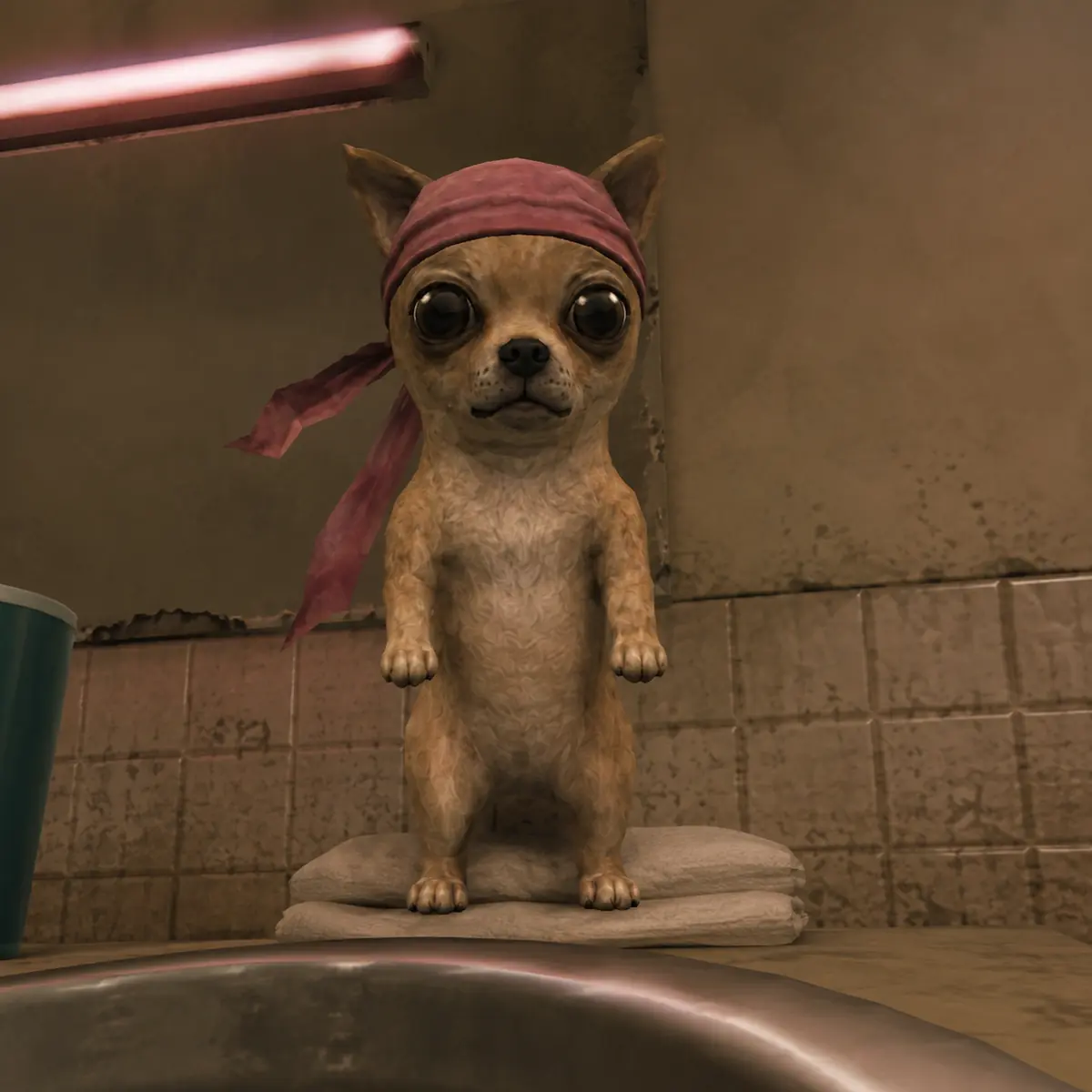
SELECT_TOOL / TWO PATHS
CHOOSE YOUR TOOL
Pick the path that matches how you want to create. You can use either one or both.
INSTALL_WIZARD / THREE STEPS
INSTALL THE COMMUNITY ENGINE
Install from chatgpt.com in a browser. If you also want the Skill in the desktop app, you may need to add it there separately.
Requirement: A paid ChatGPT plan. Personal Skills are not available on Free or Go. Managed workspaces may require admin approval.
DOWNLOAD THE SKILL
Download chihuahua-community-engine.zip from the verified GitHub Release.
Do not unzip it.
DOWNLOAD ZIP
UPLOAD TO CHATGPT
Open chatgpt.com in a browser.
Open Plugins → Skills → Create → Upload from your computer.
Select chihuahua-community-engine.zip.
START CREATING
Start a new chat. First message:
Load the "Chihuahua Community Engine" skill.
Then try:
Make an image of Chihuahua managing a cheap motel.
OUTPUT_DIRECTORY / CURRENT MODES
WHAT THE ENGINE MAKES
IMAGEChatGPT generates the picture in the conversation.
MINI / SCENE / BUMPER / FAKE ADThe Engine creates a first frame for approval, then writes an animation prompt for Seedance, Kling, or another image-to-video tool.
- IMAGE
- MINI
- SCENE
- BUMPER
- FAKE AD
A video tool and its credits are separate. Storyboards, camera direction, continuity, and repair are Engine capabilities—not extra modes.
ASSET_DIRECTORY / VERSION 1.0
OFFICIAL CHIHUAHUA REMIX PACK v1
Same Chihuahua. Different minds.
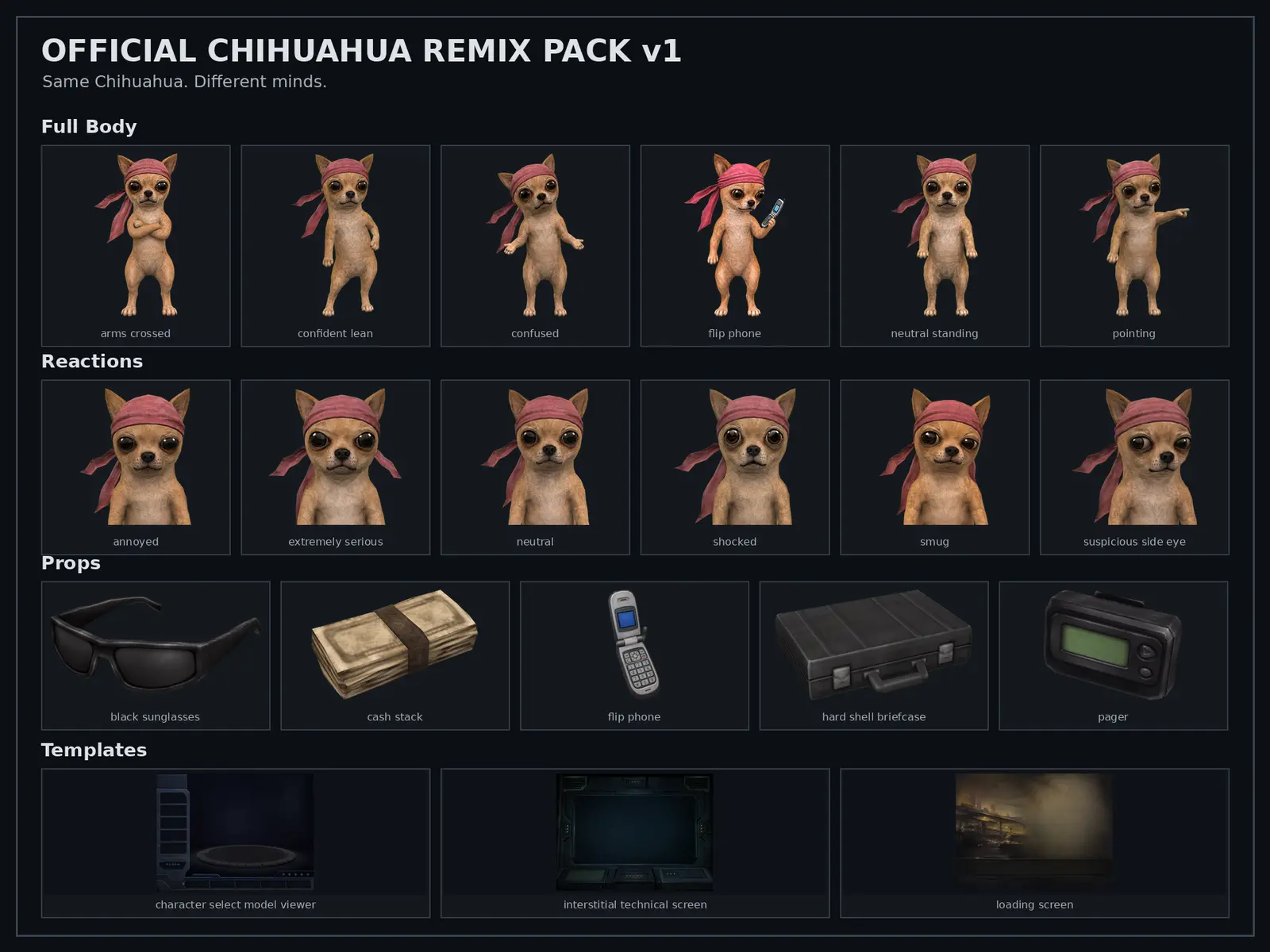
Ready-made assets for memes, reactions, social posts, thumbnails, loading screens, and short video edits.
- 6 transparent full-body poses
- 6 reaction assets
- 5 standalone PS2-style props
- 3 blank textless 4:3 templates
- Rotating-head interstitial base and animation prompt
- Canonical character reference and quick-start guide
No ChatGPT Skill or AI model required.